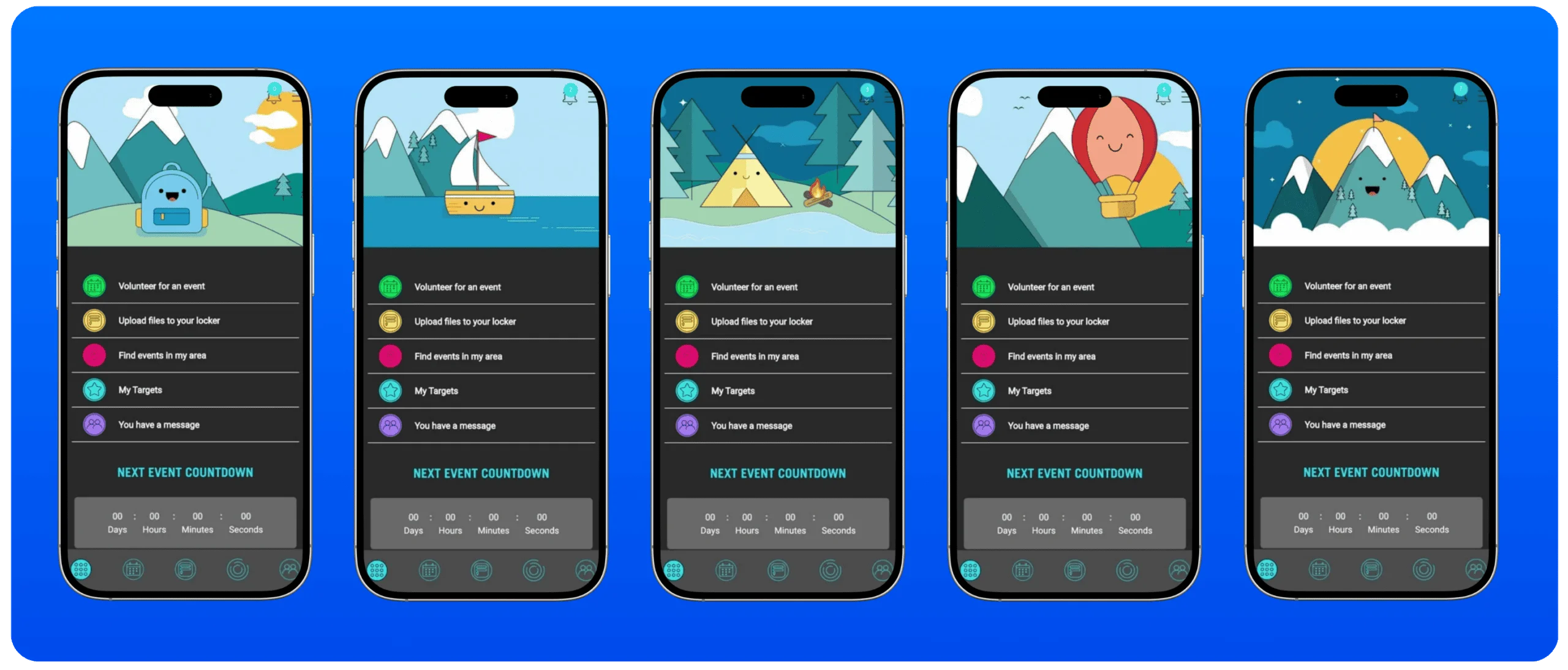
How Z-SIP Manages Student Community Service Hours — Step by Step

Z-SIP takes the complexity out of student service hour management. Whether you’re a school administrator setting graduation requirements, a student logging volunteer hours, or a nonprofit confirming participation — every step happens in one connected platform, with full visibility for everyone involved.

01

Sign Up & Get Set Up

Schools, students, nonprofits, and PTA organizations create their Z-SIP accounts in minutes. Administrators set service hour requirements and approve nonprofit partners. Students connect to their school and begin exploring volunteer opportunities.

02

Log & Participate

Students browse approved community service events, sign up, and log their volunteer hours directly in the Z-SIP app. School administrators and nonprofit coordinators monitor student participation in real time from their dashboards.

03

Verify & Approve​

Nonprofit partners and school administrators review submitted service hours and approve them with a single click. Students receive instant verification — creating a permanent, trusted record of their community service participation.

04

Track Progress & Impact​

Students track their progress toward graduation requirements, scholarship applications, and personal goals. Administrators generate school-wide impact reports showing total volunteer hours, student participation rates, and nonprofit engagement — ready for board presentations or grant applications.

Ready to simplify your service tracking?

Built for...

  • students
  • schools
  • nonprofit

working together in one system.